FreeScreenTest separates normal IPS glow from defective backlight bleed in three seconds on a pure black screen: move your head directly in front of the bright corner. If the glow shrinks or moves away, it is normal IPS glow; if bright light stays pinned to the frame edge, it is real backlight bleed.
What Makes Them Different (In Plain English)
Unboxing a new IPS monitor, turning off the bedroom lights, and snapping a dark-room phone picture scares thousands of buyers into returning perfectly good screens. Open FreeScreenTest's free Backlight Bleed Test and walk through this plain-English checklist so you know whether to keep or swap your monitor.
Every standard IPS or VA monitor shines a bright backlight sheet behind the glass, even on dark screens. Bright spots on pure black come from three different causes:
- IPS Glow (Normal Physics): Viewing an IPS screen from an angle naturally lets a soft silvery or warm bronze sheen wash over the corners. Every standard IPS monitor has some IPS glow in a dark room.
- Backlight Bleed (Frame Pinch): A tight plastic bezel or misaligned edge seal lets sharp, bright white or yellow wedges of light leak out right along the screen border.
- Panel Clouding (Center Haze): Broad, soft gray clouds floating near the middle of the screen from uneven internal pressure.
Quick Comparison Table
Use these three quick clues while viewing Pure Black in fullscreen:
| Clue | Normal IPS Glow | Real Backlight Bleed | Panel Clouding |
|---|---|---|---|
| Shape | Wide, soft sheen across corners | Sharp flashlight-like wedge hugging the edge | Broad hazy patches near the middle |
| 3-Second Head Move | Fades or shifts when viewed straight-on | Stays locked in one exact spot from every angle | Stays roughly in place |
| Should You Return It? | Usually No (normal IPS trait) | Yes, if distracting in dark movies/apps at normal brightness | Only if severe during real content |
The 4-Step Fair Dark-Room Checklist
Testing a monitor at 100% showroom brightness in a pitch-black closet makes almost every LCD screen look terrible. Run a fair check instead:
(Tip: If your monitor shuts off its backlight completely on 100% black, press Spacebar once for 2% Near-Black or 5% Dark Gray.)
- Step 1 — Lower brightness to 35%–50%: Set your screen to normal indoor comfort brightness—not factory 100% torch mode.
- Step 2 — Sit at real desk distance (24–32 inches): Leaning close to a big 27-inch or 32-inch screen creates sharp corner angles and makes harmless IPS glow look twice as strong.
- Step 3 — Open FreeScreenTest in Fullscreen: Click Start Pure Black Test on our Backlight Bleed Test. All menus and ads disappear, and the mouse pointer auto-hides after two seconds.
- Step 4 — Move your head straight in front of each bright corner: If the bright corner turns dark when you look straight at it (and the far opposite corner lights up instead), that is normal IPS glow. If a tight bright yellow wedge stays stuck right on the bezel edge, that is backlight bleed.
Why Your Phone Camera Makes Normal Screens Look Broken
Phone cameras automatically turn on Night Mode and crank brightness up in dark rooms, exaggerating mild corner glow three to five times brighter than your eyes actually see. If you truly need an honest photo for a store return or support ticket:
- Turn Night Mode / Long Exposure OFF.
- Stand 4 to 5 feet back and switch to your 2x zoom lens (removes steep wide-angle corner glow).
- Tap the screen bezel to focus, then drag the camera brightness slider down until the preview matches what your eyes see in the room.
3 Easy Ways to Cut Visible IPS Glow Tonight
If your Head-Shift Test showed normal IPS glow with clean edges, three tiny desk tweaks make dark games and movies look much deeper:
- Add a soft LED bias light behind your monitor: A gentle warm-white light on the wall behind your desk tricks your eyes into seeing deeper blacks and hides faint corner sheen.
- Lower screen brightness after sunset: Dropping brightness from 80% down to 40% at night immediately reduces corner glow.
- Sit a few inches further back: A flatter viewing angle shrinks IPS glow across all four corners.
When Should You Actually Return or Exchange?
Use these practical rules before packing up your monitor:
- Exchange inside your 14- to 30-day store window if sharp yellow or white edge wedges clearly distract you during dark movies, black letterbox bars, or dark-mode apps at normal 40% brightness.
- Never squeeze corners or loosen bezel screws: Pressing thin LCD glass causes permanent cloudy damage and voids your return.
- Check the rest of your screen before deciding: Run our Dead Pixel Test, Ghosting Test, and full How to Test a New Monitor checklist so you only pack the box once.
Frequently Asked Questions
Can IPS glow or backlight bleed fade away after a few days?
Why is one corner of my IPS screen warm orange and another corner cool blue?
Do VA or OLED monitors have IPS glow?
Is zero backlight bleed possible on an IPS monitor?
Open Dark-Room Backlight Bleed Test
Opens pure black and 2% near-black fullscreen slides with auto-hiding cursor.
Explore Next on FreeScreenTest
Backlight Bleed Test
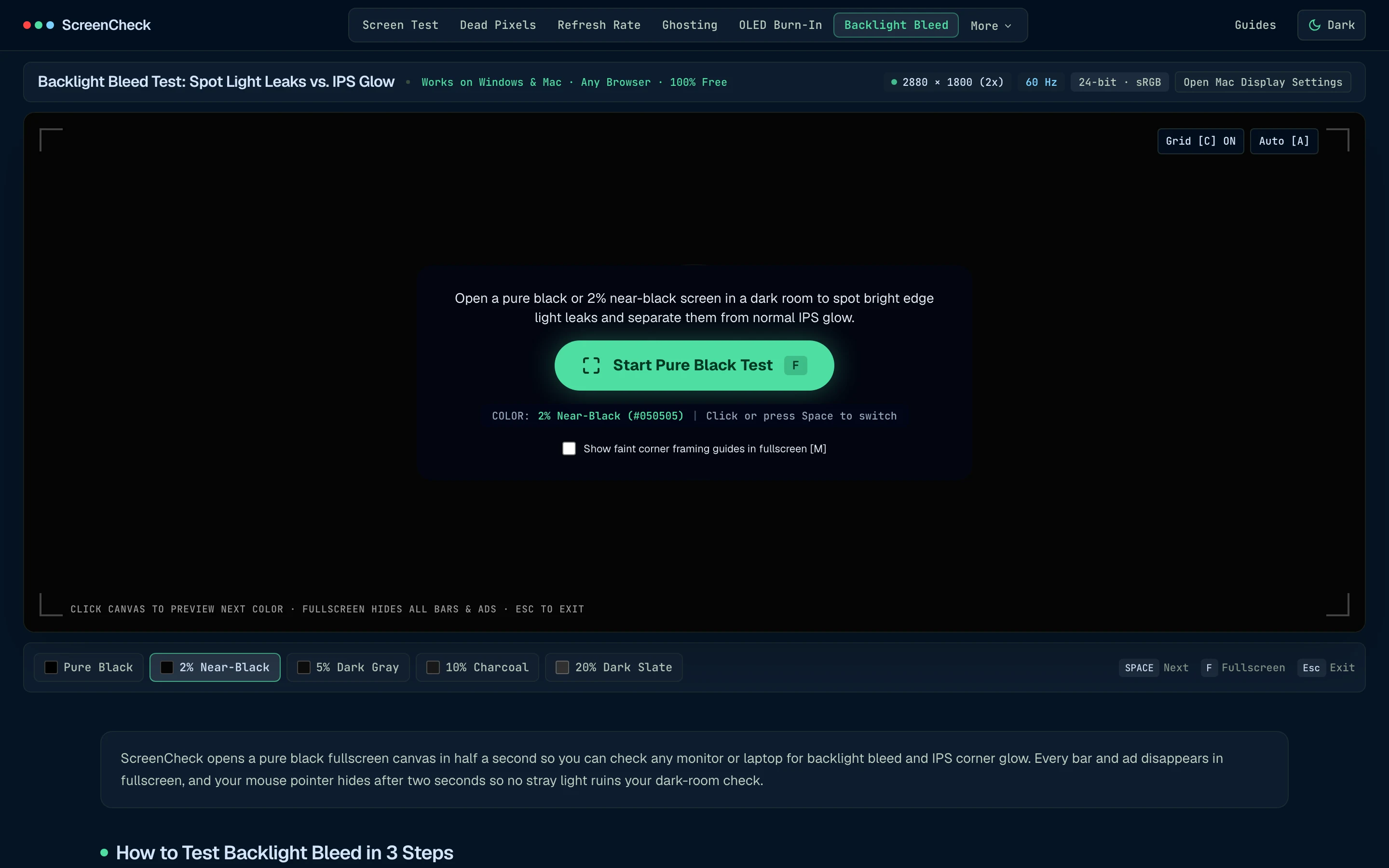
Open a pure black or 2% near-black screen in a dark room to spot bright edge light leaks and separate them from normal IPS glow.
How to Test a New Monitor
Run these 7 quick checks right out of the box—or before paying for a used monitor—so you can exchange a flawed screen before your return window closes.
How to Check OLED Burn-In
A fast 2-minute gray and solid-color checklist to spot early burn-in shadows, tell temporary retention apart, and protect your OLED.